الأمان والتشفير
التشفير والمصادقة بخطوتين واستعادة الحساب.
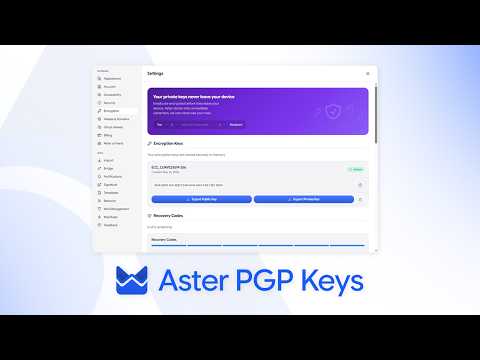
- كيف يعمل التشفير في Aster What is encrypted, what Aster can see, and what that means for your mail day to day.
- تفعيل المصادقة بخطوتين Add a second step to sign-in with an authenticator app, and store your backup codes.
- استعادة حسابك Get back in with a recovery code, and understand why a lost password cannot be reset.
- التحقق من مفاتيح جهة اتصال Compare verification codes so you know you are writing to the right person.
- الإبلاغ عن التصيّد والرسائل غير المرغوب فيها Recognize a message pretending to be Aster, report it, and protect your account.
- تغيير كلمة المرور أو إضافة مفتاح مرور Keep the key to your account strong, and sign in without typing it.
- مراجعة الأجهزة والجلسات See where your account is signed in, and sign out anything you do not recognize.
- إرسال رسالة مشفّرة إلى أي شخص Protect a message with a password when the other person is not on Aster.
- كلمات مرور التطبيقات للبرامج الأخرى Connect a desktop mail client through Aster Bridge with its own password.
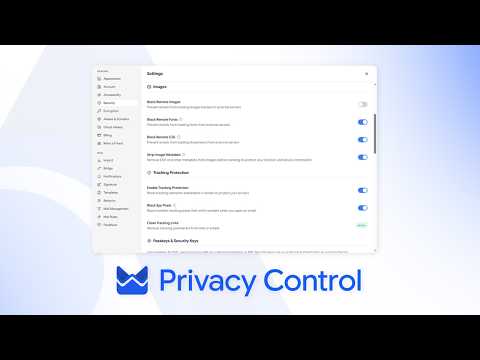
- ضوابط الخصوصية في صندوق بريدك Block trackers, hide your address, and control what a sender learns.
- إجراء فحص أمني Ten minutes that make your account much harder to lose.
- SPF وDKIM وDMARC لنطاقك Set the records that let other providers trust mail from your domain.
- Aster Vanguard ووضع القفل Turn on Aster Vanguard to lock Aster Mail with a PIN, set a duress PIN that erases local data, and block every outside connection with Lockdown Mode.
- قفل مجلد بكلمة مرور Put a separate password on a folder so its mail stays hidden from search, notifications, and anyone using your signed-in account.
- استخدام Aster Mail عبر Tor Reach your mailbox through Aster's onion address in Tor Browser, and understand what changes when you do.
- استعادة البريد المُرسل بعد تغيير كلمة المرور Reopen sent messages that stayed encrypted with an earlier password, and re-encrypt them with the password you use now.
شاهد وتعلّم
شروحات قصيرة من قناة Aster.